
Screenshots

App details
- Updated
- Mar 2, 2007
- Language
- Spanish,English
- Developer
- Broadcaster, Inc.
- Category
- Mobile
SoftPas in:
This product is also available in the following languages:
About Broadcaster StudioPro
Download Broadcaster StudioPro – video streaming, broadcasting software, virtual webcam, desktop sharing, live streaming, content creation, online meetings, video conferencing
Overview
Broadcaster StudioPro is a specialized broadcasting platform engineered for seamless video streaming over the Internet. Designed with both content creators and casual users in mind, the software enables users to deliver professional-grade live streams using a range of input sources. Whether broadcasting from a physical webcam, simulating a webcam feed, or sharing desktop activity, Broadcaster StudioPro offers flexibility in content delivery. Its core purpose lies in simplifying the streaming process, reducing technical barriers for users who want to engage audiences in real time. The application is particularly valuable for individuals involved in online education, live presentations, gaming, or remote collaboration. By supporting multiple streaming sources, it empowers users to adapt their broadcast style dynamically, enhancing viewer interaction and content variety. The developer, Broadcaster StudioPro, has positioned the software as a utility tool within the productivity category, emphasizing its role in modern digital communication. Although specific details about the developer’s background are not available, the app’s longevity—first released in 2007—suggests a stable presence in the streaming ecosystem. Real-world use cases include remote teaching sessions, live product demos, and virtual events. In an era where digital presence is critical, Broadcaster StudioPro continues to serve as a functional solution for users seeking reliable, high-quality streaming capabilities on Windows.
Key Features & Functionality
- Multiple Broadcasting Sources: Users can switch between real webcam feeds and simulated webcam images, allowing for creative control over visual presentation. This feature supports both personal branding and content diversification.
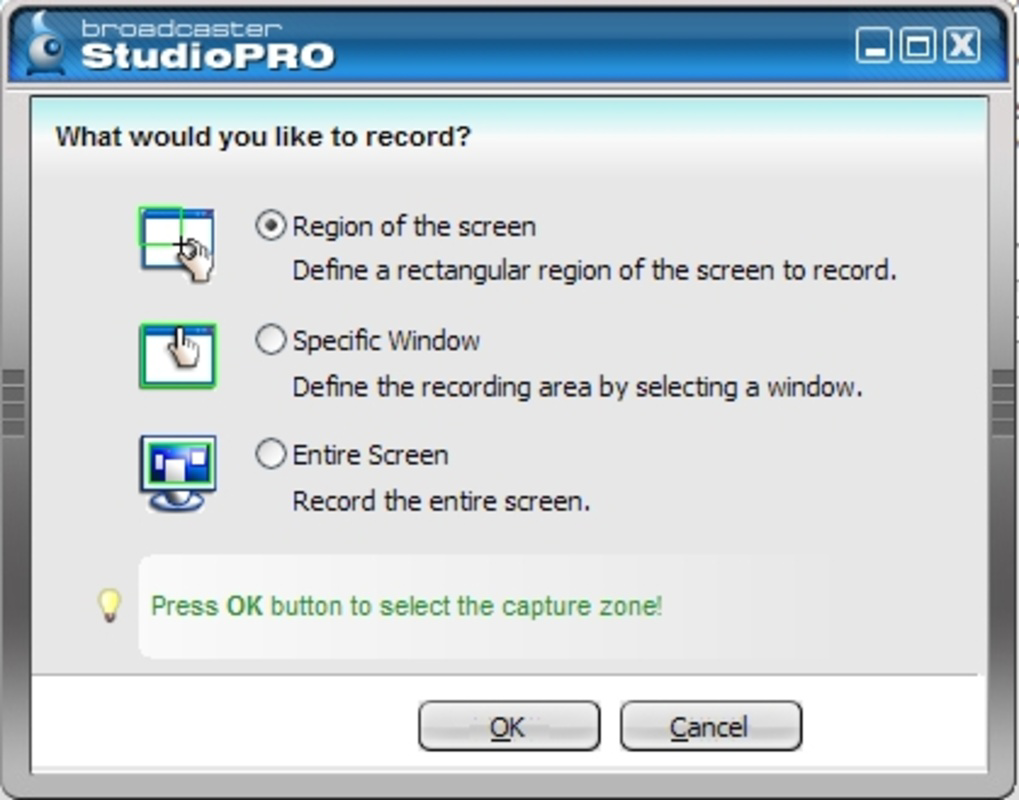
- Desktop Activity Streaming: The ability to broadcast screen activity enables users to share presentations, tutorials, software demonstrations, or gameplay with viewers in real time.
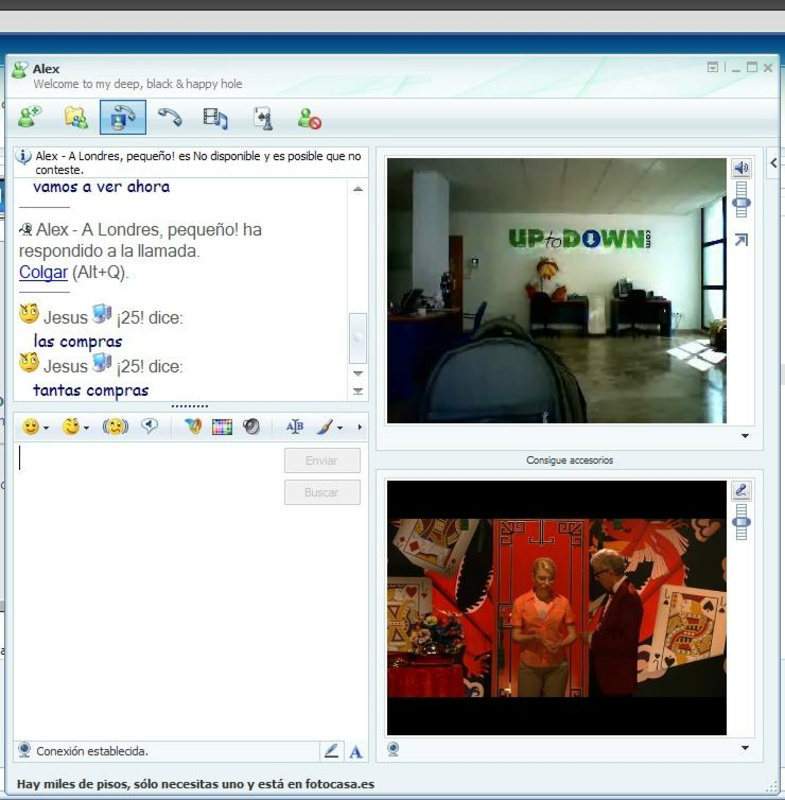
- Webcam Integration: Broadcaster StudioPro functions as a virtual webcam, making it compatible with third-party video conferencing tools. This ensures seamless integration into existing communication workflows.
- User-Friendly Interface: The platform features an intuitive layout where essential controls are accessible without requiring technical expertise, enabling quick setup and broadcasting.
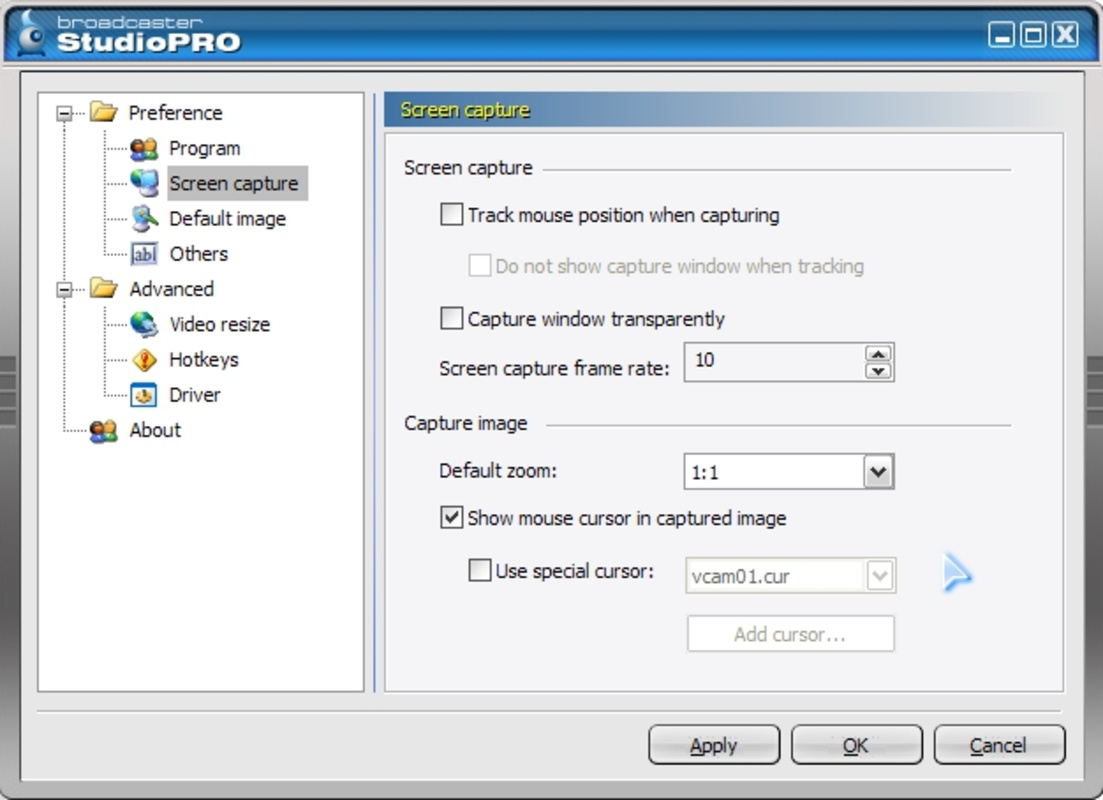
- High-Quality Streaming: Adjustable video and audio parameters allow users to tailor stream quality based on bandwidth and desired output, ensuring smooth performance across varying network conditions.
For example, an educator can use the desktop sharing feature to walk through a software tutorial while simultaneously displaying their face via a simulated webcam, creating a more engaging learning experience. Similarly, a gamer can stream gameplay from their screen while using a custom virtual webcam image to maintain anonymity. The integration with video conferencing apps allows professionals to enhance their virtual meetings with dynamic visual content, such as live data dashboards or real-time annotations. These features collectively contribute to a versatile broadcasting experience that supports both creative expression and professional communication.
Interface, UX & Performance
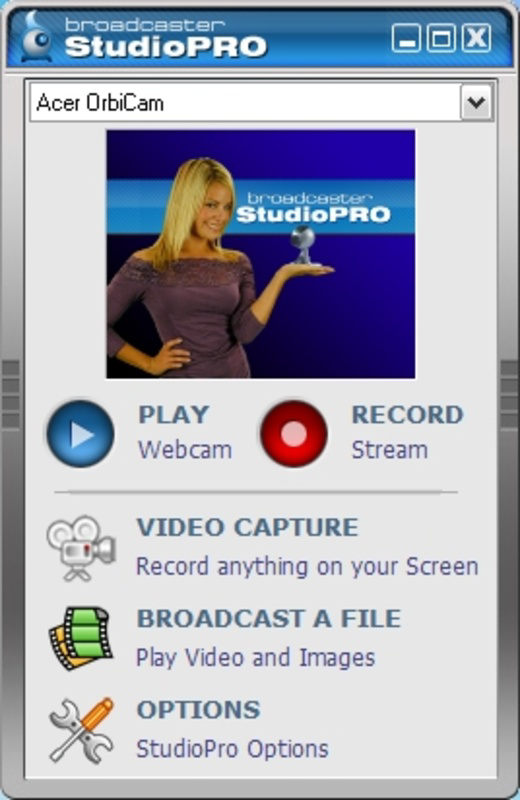
Broadcaster StudioPro presents a clean, streamlined interface designed for efficient navigation. The layout organizes core functions—source selection, streaming settings, and output controls—into clearly labeled sections, minimizing user confusion. Visual elements are minimal yet functional, focusing on usability rather than aesthetic flair. Navigation follows a logical flow, allowing users to initiate a broadcast with just a few clicks after initial configuration. The software responds promptly to user inputs, with minimal lag during setup and streaming operations. Although the developer did not list formal performance metrics, the application’s long-standing presence on Windows suggests consistent stability across various device categories. Users operating on mid-range or higher-end systems should expect smooth operation, particularly when streaming at standard resolutions. The software maintains responsiveness even when multiple sources are active, though performance may vary depending on system resources and internet speed. Compatibility with older Windows versions is not explicitly confirmed, but the app’s release date in 2007 implies potential support for legacy systems. Overall, the user experience is optimized for practicality, making it accessible to users with varying levels of technical proficiency.
Platform Compatibility & Technical Requirements
Broadcaster StudioPro is designed for the Windows platform, with a file size of 35.7 MB. The software version is 2.3.0, released on March 2, 2007. Specific operating system requirements were not listed by the developer. The absence of detailed technical specifications means users should exercise caution when installing on modern systems, as compatibility with current Windows versions is not guaranteed. The developer did not specify minimum OS requirements, nor did they provide information on hardware prerequisites such as GPU or microphone support. Users are advised to test the application in a controlled environment before relying on it for critical broadcasts. While the small file size suggests low storage demands, the age of the software raises questions about its integration with current security protocols and system updates. For users seeking a lightweight, legacy-compatible broadcasting tool, Broadcaster StudioPro may still be viable, though performance on newer systems cannot be assured without further verification.
Pros and Cons
- Supports multiple broadcasting sources including virtual webcam and screen sharing
- Intuitive interface suitable for beginners and experienced users
- High-quality streaming with customizable settings
- Compatible with third-party video conferencing platforms
- Lightweight installation at 35.7 MB
- Outdated release date raises concerns about modern OS compatibility
- No publicly available updates or support channels
- Missing technical specifications for hardware and software requirements
- Price point of $49.99 may be high for a legacy application
- Limited information on security, permissions, or data handling
FAQ
Is Broadcaster StudioPro safe to install on my Windows PC?
The software is available through official channels, but the developer did not provide security details or digital signatures. Users should scan the file with antivirus software before installation.
Can I use Broadcaster StudioPro with Zoom or Microsoft Teams?
Yes, since Broadcaster StudioPro functions as a virtual webcam, it can be selected as a video source in most video conferencing applications, including Zoom and Teams.
Does Broadcaster StudioPro support live streaming to platforms like YouTube or Twitch?
While the app enables broadcasting, the developer did not specify direct integration with major streaming platforms. Users may need to use third-party tools or RTMP encoders to stream to external services.
Is there a free version or trial available?
Based on the provided information, no free version or trial was listed. The app is offered at a one-time price of $49.99.
How do I update Broadcaster StudioPro?
The developer did not disclose update mechanisms or release schedules. Users should check the official website for potential updates, though the app’s age suggests limited or no future updates.
Final Thoughts
Broadcaster StudioPro remains a notable entry in the broadcasting software space, offering a straightforward solution for users who need to stream video from multiple sources. Its virtual webcam functionality and desktop sharing capabilities make it a practical tool for educators, presenters, and content creators seeking a lightweight alternative. Despite its age and lack of modern support, the app’s core features are still relevant for users operating on older systems or requiring basic broadcasting tools. However, the absence of updated documentation, technical requirements, and security information presents significant risks for users on current platforms. For those prioritizing reliability and compatibility with modern systems, alternatives may be more suitable. Nevertheless, for niche use cases involving legacy environments or simple streaming tasks, Broadcaster StudioPro delivers functional value. Download Broadcaster StudioPro now
Guides & Tutorials
How to install Broadcaster StudioPro
- Click the Download button above.
- Once redirected, accept the terms and click Install.
- Wait for the Broadcaster StudioPro download to finish on your device.
How to use Broadcaster StudioPro
This software is primarily used for its core features described above. Open the app after installation to explore its capabilities.
User Reviews
No reviews yet. Be the first to share your experience.
You may also like
more
Que no te pillen¡
About !Que no te pillen¡Reviewed by Jason A. BilbreyShow MoreShow Less

3D Combat Zone
About 3D Combat ZoneOriginally released in 1983, 3D Combat Zone immerses players...

666: El día del portal
About 666: El día del portalOn June 6, 2006, Agent P. Stone uncovers a sinister...

80 in 1 Best Flash games
About 80 in 1 Best Flash games 80 in 1 Best Flash games is a collection of 80 fl...

ABYSS SEEKERーーWhat Do You See Deep in The Abyss
About ABYSS SEEKERーーWhat Do You See Deep in The AbyssIn ABYSS SEEKER, players...

ACA NEOGEO THE KING OF FIGHTERS 2002 for Windows
About ACA NEOGEO THE KING OF FIGHTERS 2002 for WindowsTHE KING OF FIGHTERS 2002,...